Liquid Glass
for your terminal.
A free, open-source theme for iTerm2, Ghostty and kitty, on macOS and Linux. Translucent, built from Apple's system colors, and contrast-checked so it stays readable.
❯brew install vukkt/tap/iglass
macOS · Linux
❯curl -fsSL https://raw.githubusercontent.com/vukkt/iglass/main/install.sh | bash
Then run iglass install. Undo everything with iglass uninstall.
Glass, done carefully.
Only the look changes. Your font, shortcuts and shell stay yours, and everything iglass touches can be restored exactly.
Real Liquid Glass
In Ghostty on macOS 26+, iglass uses Apple's own glass material, not an imitation.
Four levels of glass
Clear, Frosted, Tinted and Solid, mirroring Apple's options. Pick how much shows through.
Eight accents
The macOS accent colors, for your cursor, selection and links.
Light and dark
Separate palettes that follow your system, or stay dark with --appearance dark.
Contrast-checked
Every color is checked against the window as it looks over your desktop, not a flat background.
Safe and reversible
Validated before it's written, backed up first, and undone byte for byte on uninstall.
Pick your glass.
The same palette at four levels of transparency. In Ghostty on macOS, real Liquid Glass.
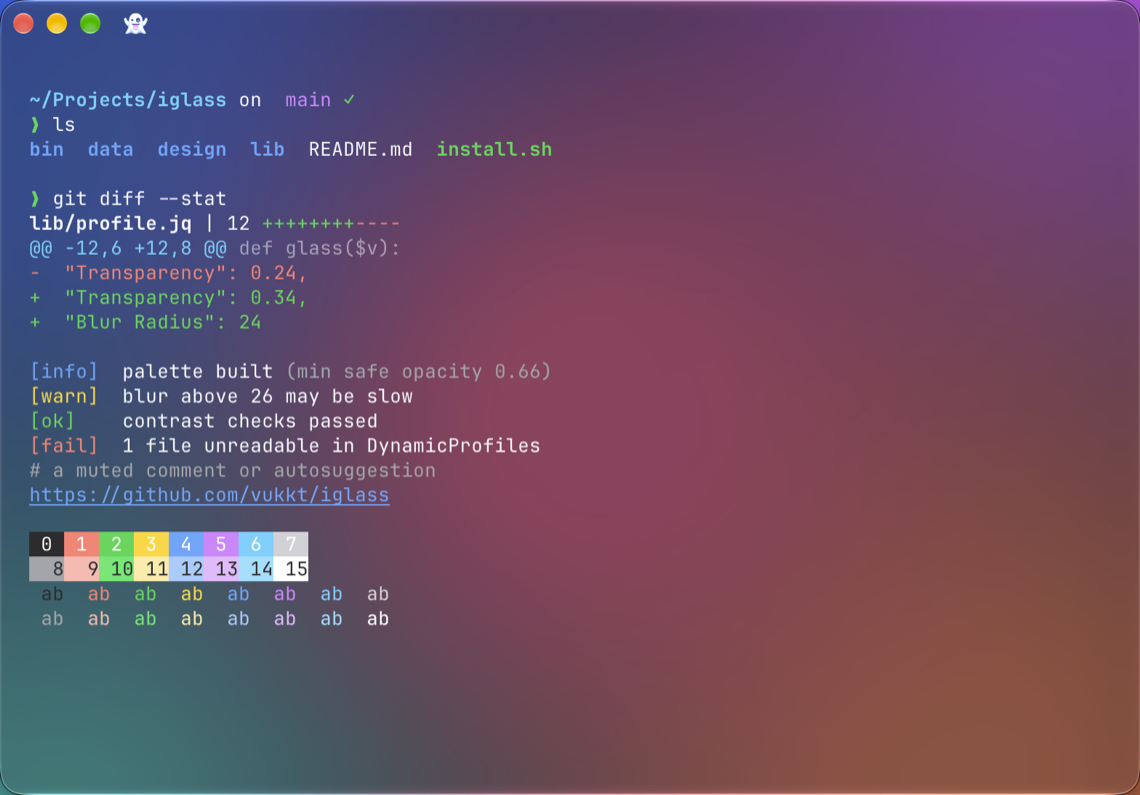
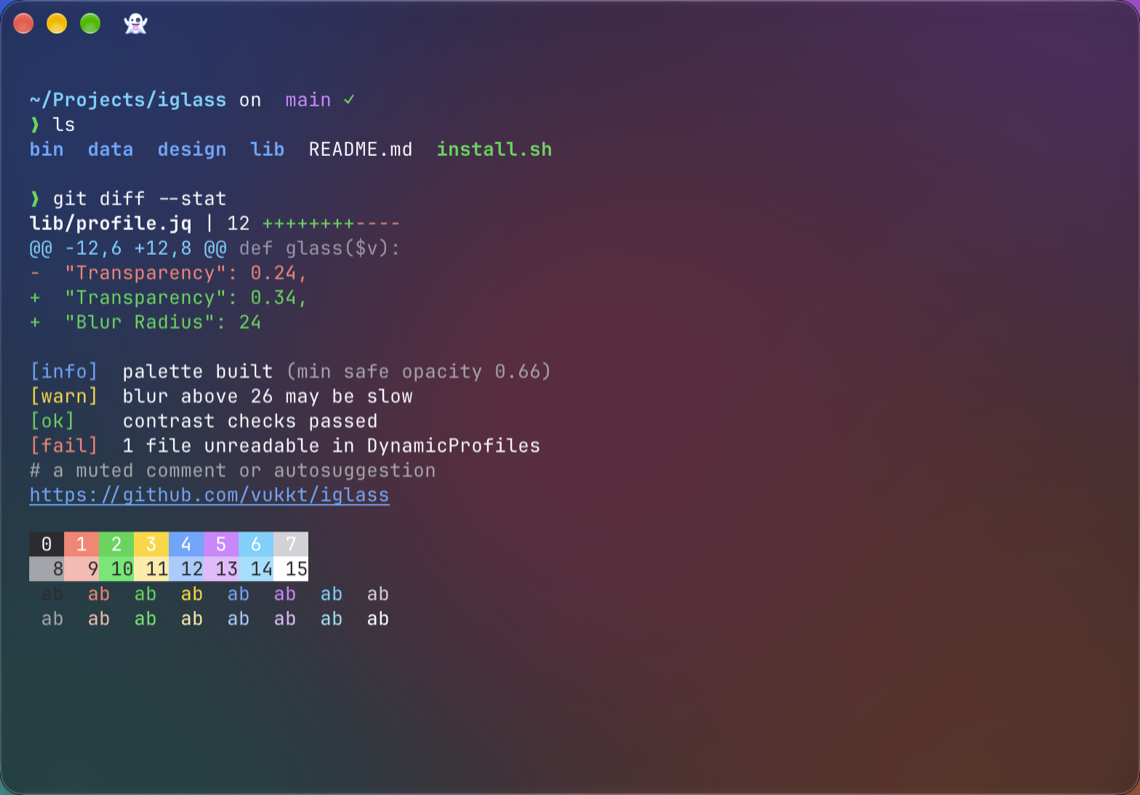
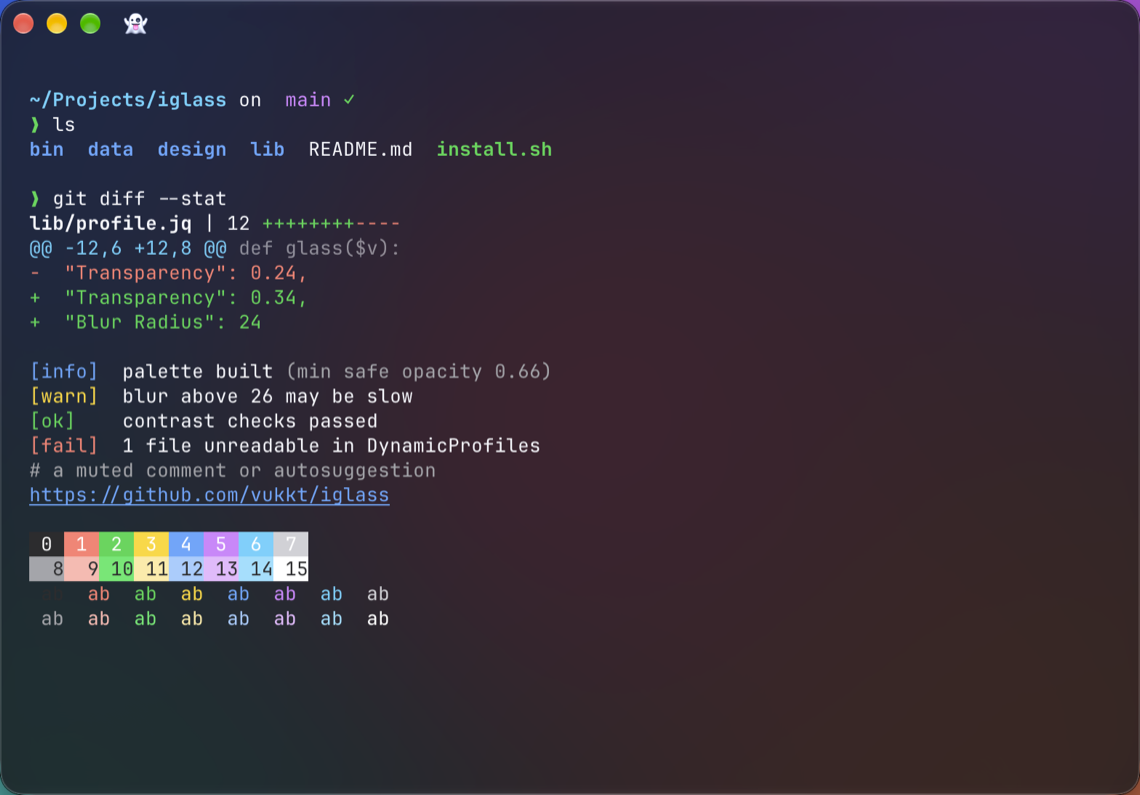
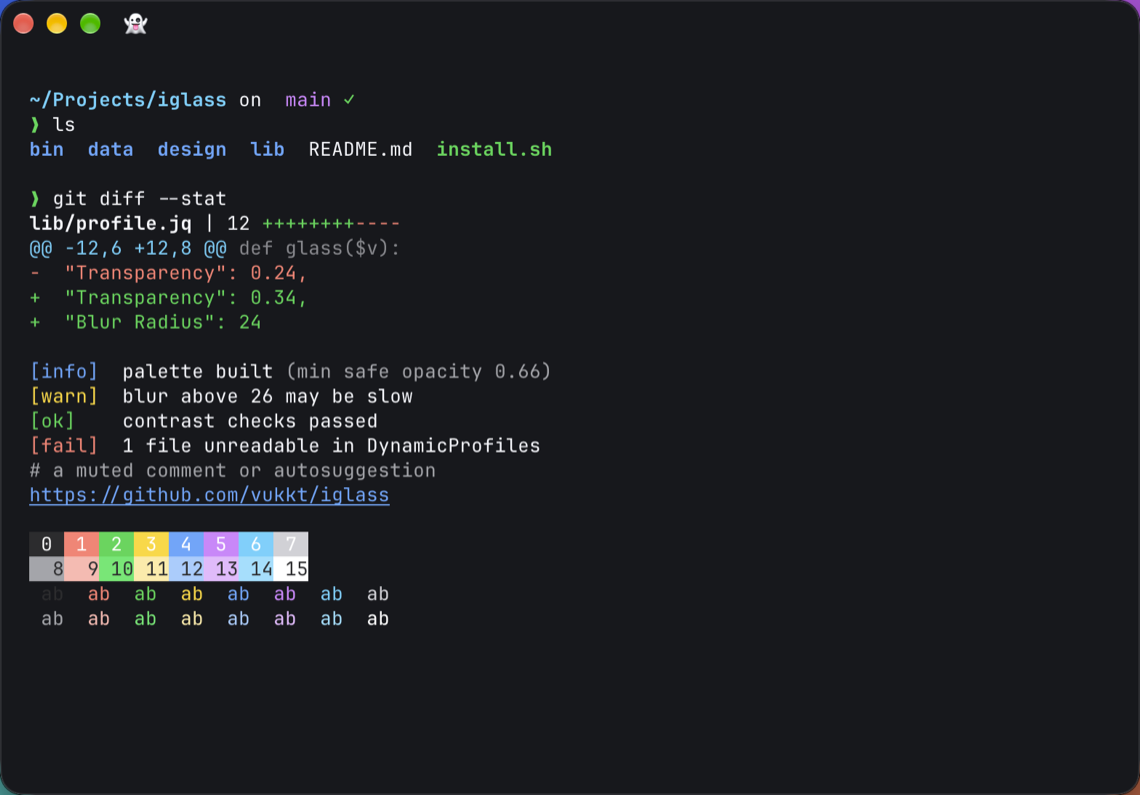
Now in kitty too.
kitty's own blur, the same palettes and glass levels, and a title bar that's part of the glass. Colors follow light and dark mode.
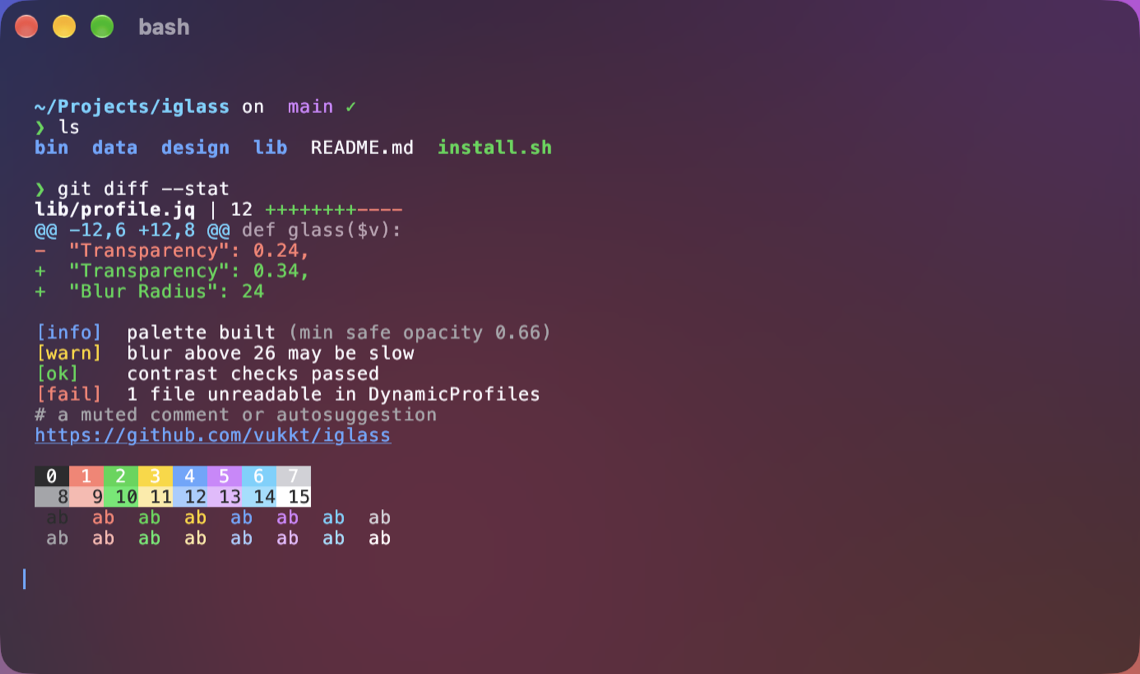
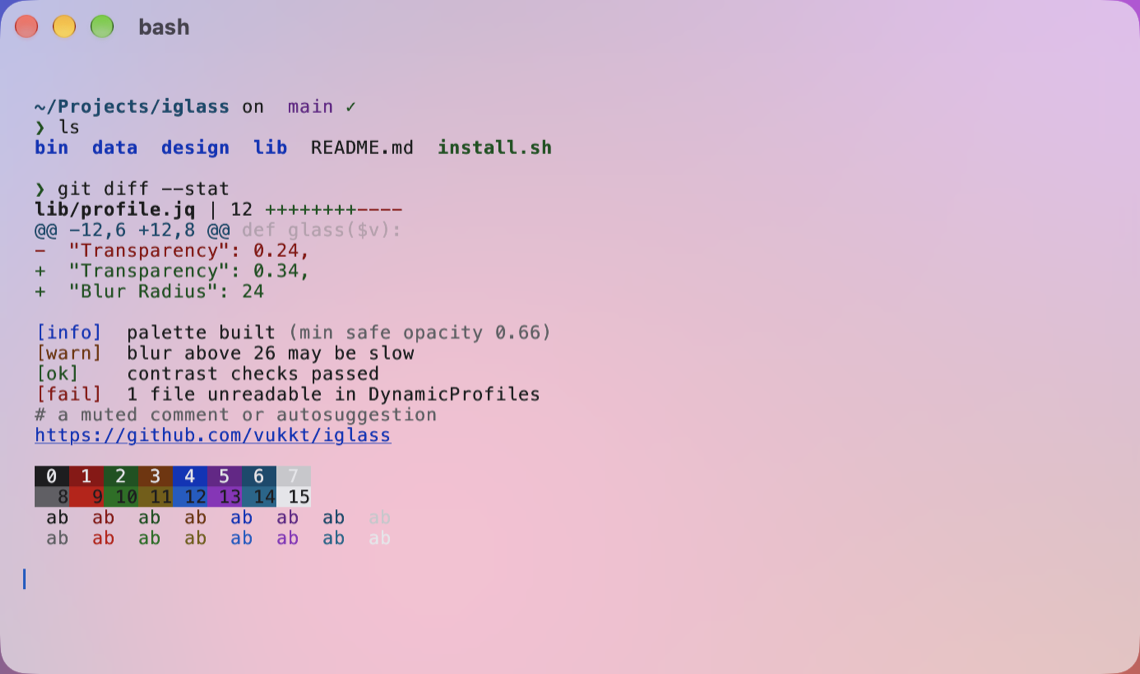
macOS and Linux.
One command sets up the terminal you're in.
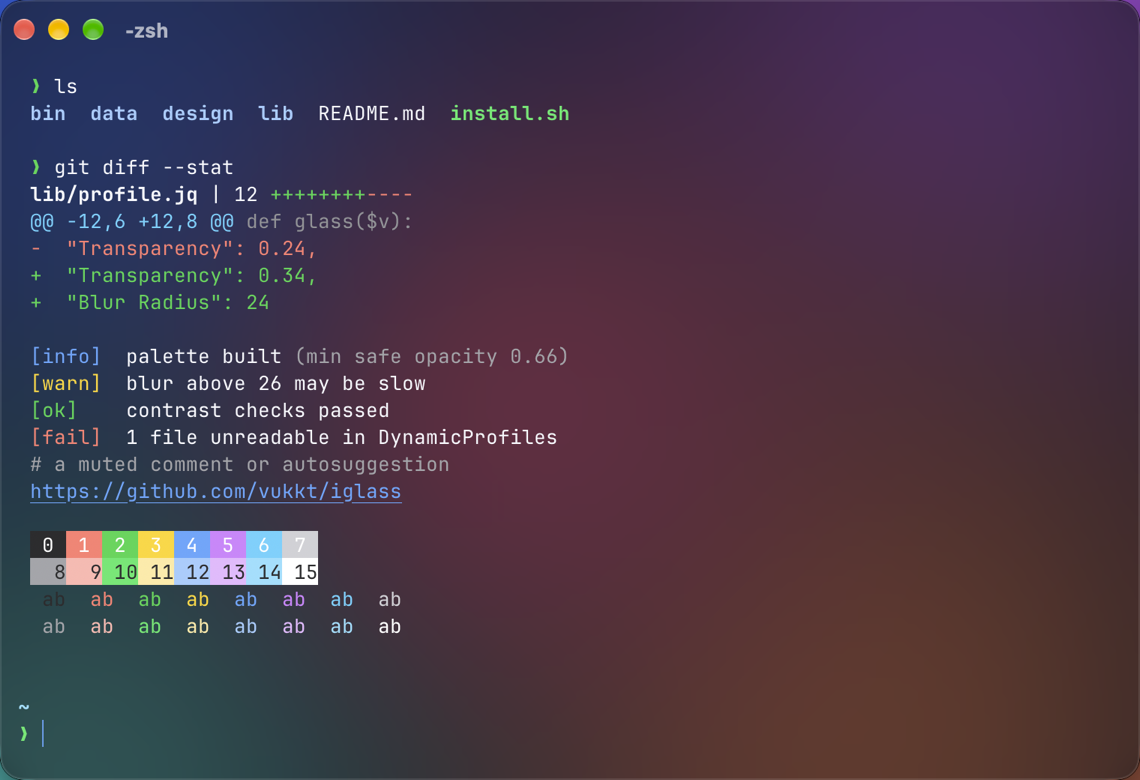
macOS
- Ghostty · real Liquid Glass on macOS 26+
- kitty · kitty's own blur, with a glass title bar
- iTerm2 · transparency, blur and a tuned palette
- Optional native title bar and default profile for iTerm2
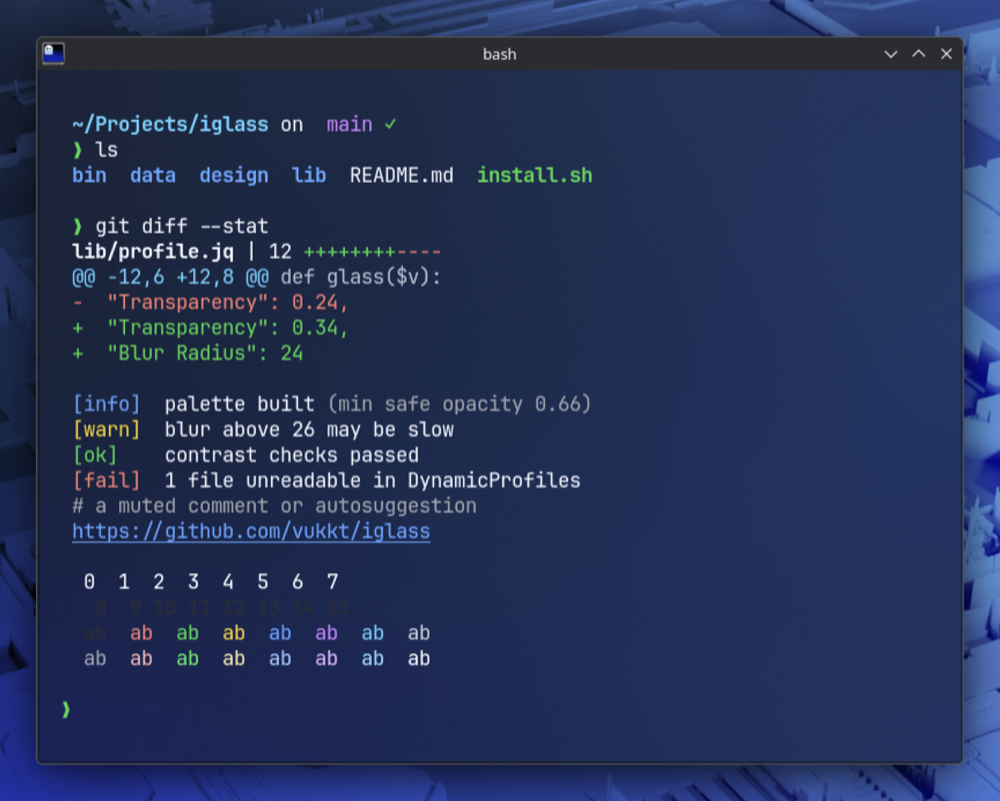
Linux
- Ghostty and kitty · blur on KDE Plasma, Hyprland, niri and GNOME 51
- Recognizes your desktop and distro: Tinted where there's no blur, the right install hints for Garuda, Arch, Ubuntu, Fedora…
Make your terminal feel native.
Free and MIT-licensed. If you like it, a star helps others find it.